

Description
Download Keypad Lock Screen WatchDog APK – lock screen, keypad, watch dog, spy camera, Android app, free app, mobile customization
Overview
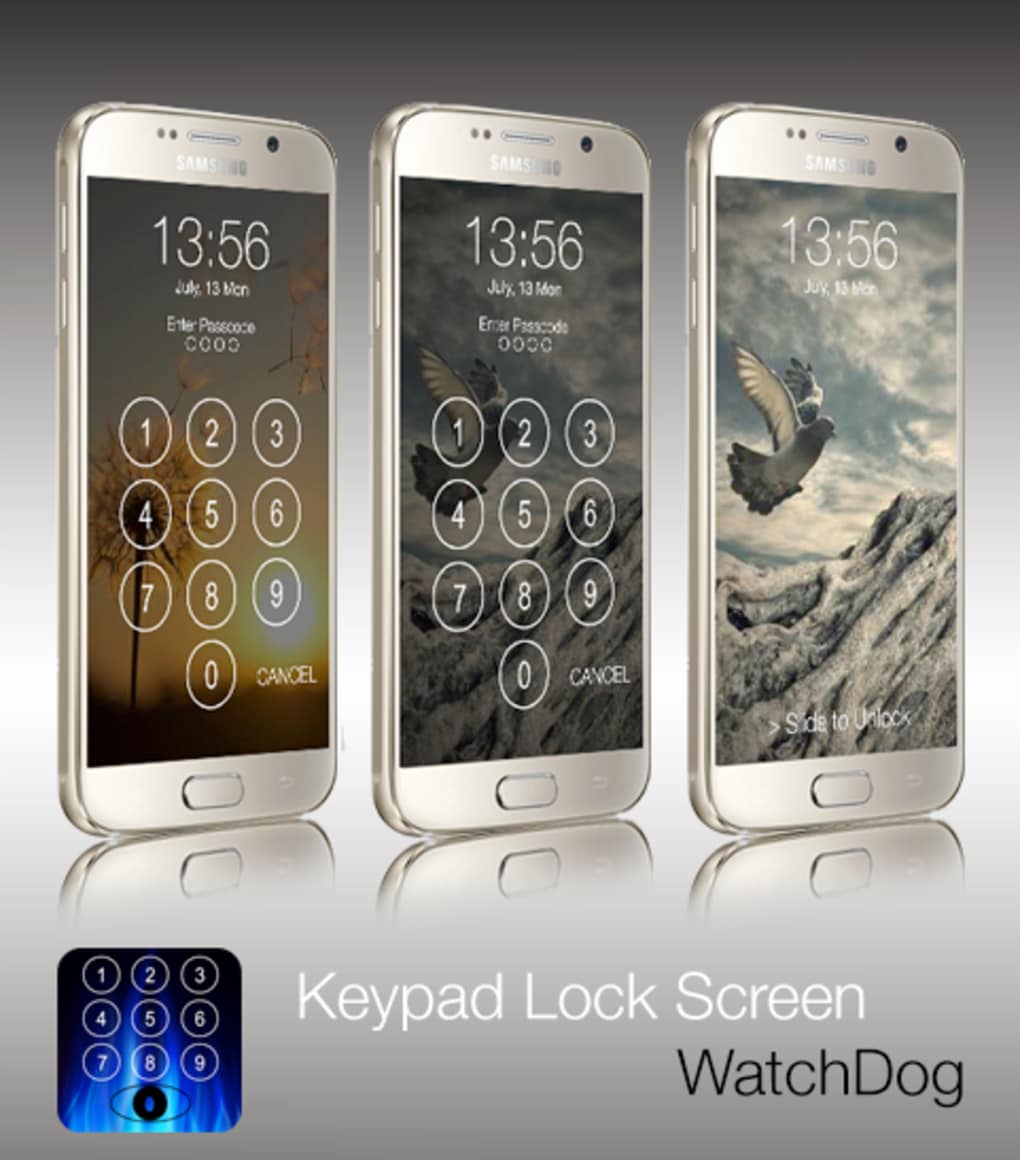
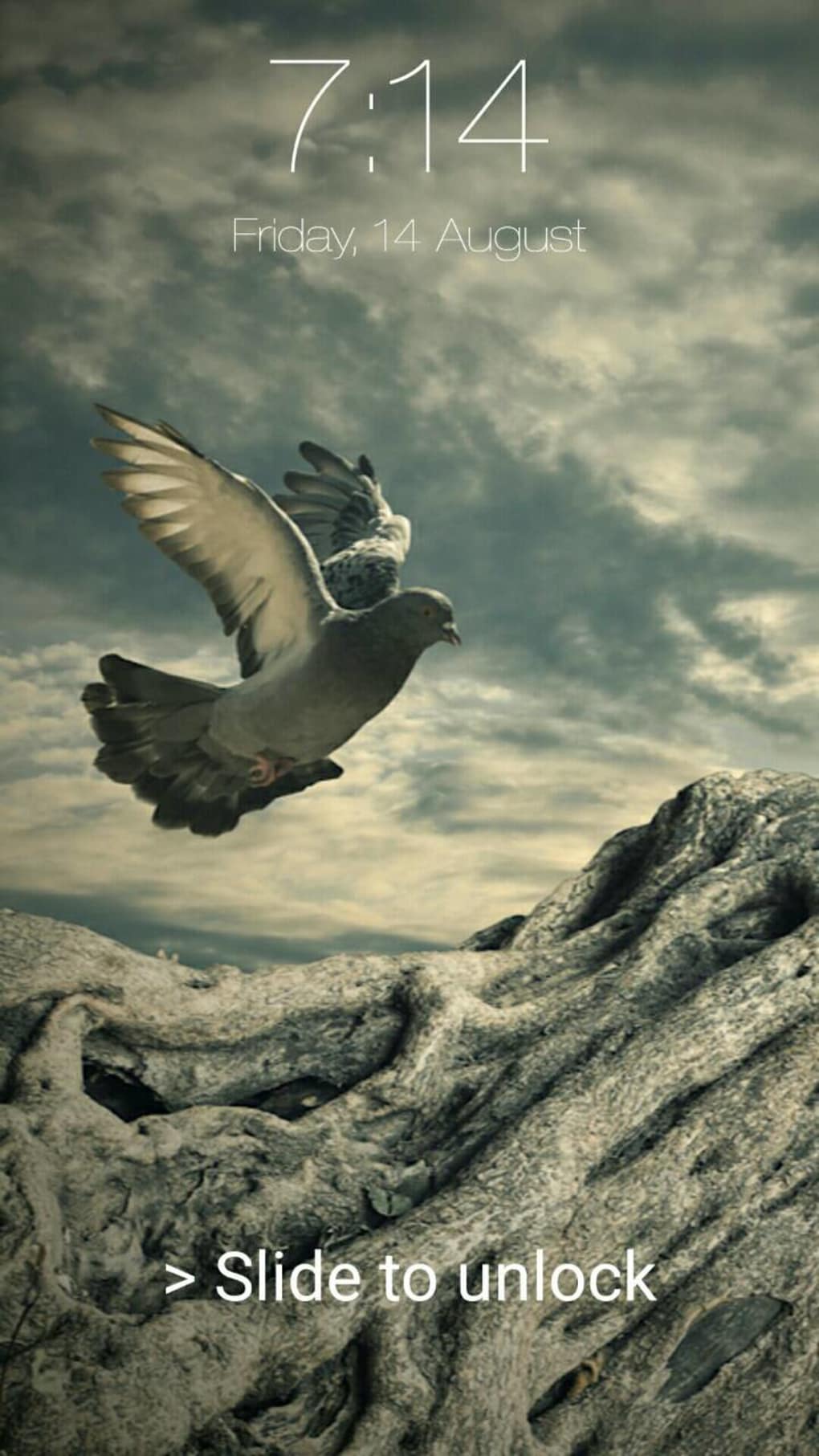
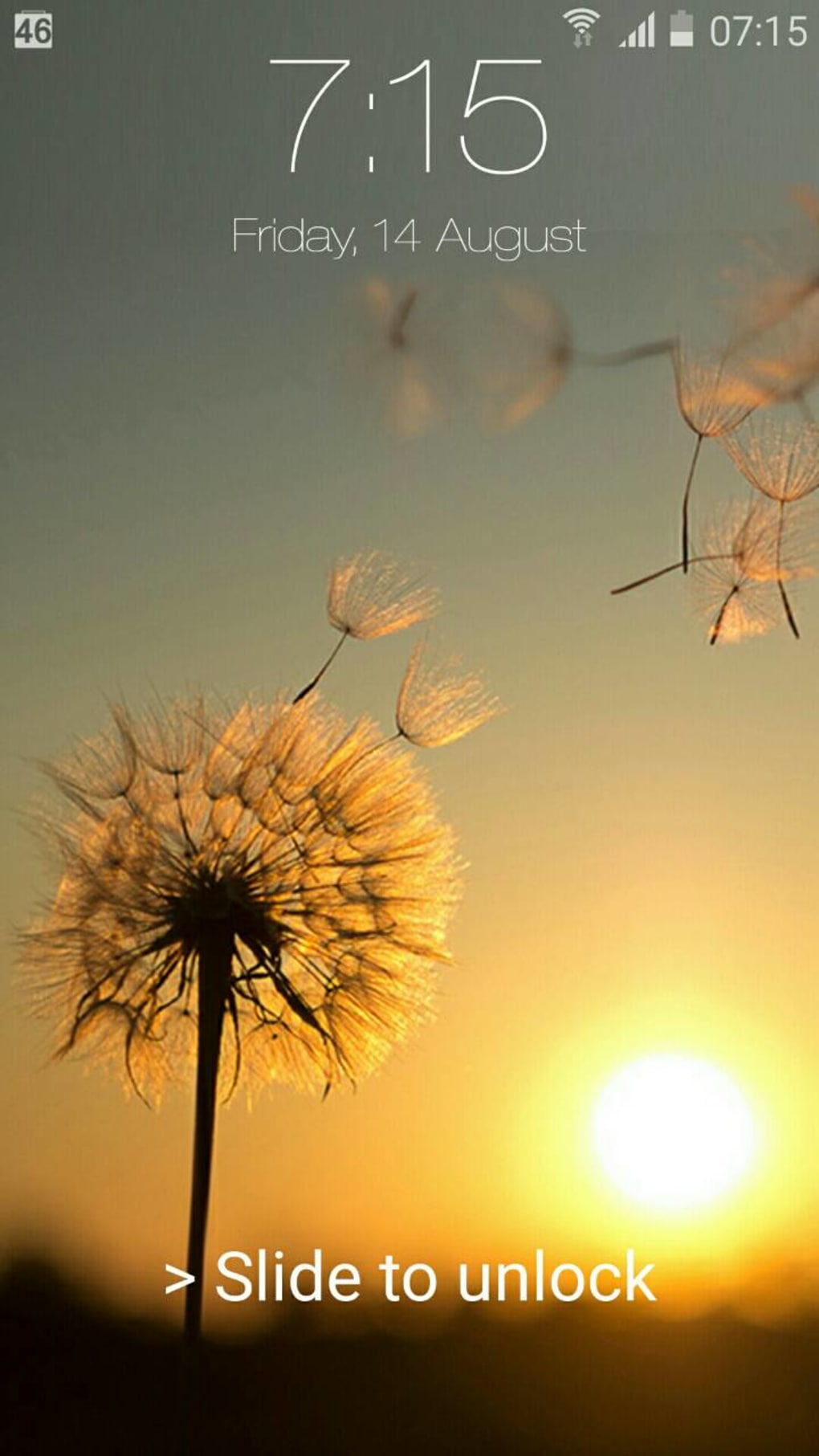
Keypad Lock Screen WatchDog is a free Android application designed to enhance mobile security and personalization through a distinctive lock screen interface. The app offers a visually appealing, iOS-style keypad lock screen, providing users with a modern aesthetic while reinforcing device protection. Its primary purpose is to secure access to the device by requiring a numeric code for unlocking, while also incorporating a unique surveillance feature that alerts users to unauthorized access attempts.
The app is tailored for Android users who value both security and customization, particularly those seeking a clean, intuitive lock screen experience. It is especially suited for individuals who want to monitor potential intrusions without relying on complex security software. Real-world usage scenarios include personal device protection in public spaces, safeguarding sensitive information, or simply enhancing the visual appeal of the lock screen with a premium design.
Developed by Siamcybersoft Co., Ltd., the application has been available since September 2015 and remains accessible for Android 4.0 and later. The developer has not provided additional details about their background or other products. As a free app, it is accessible to a broad audience, with no financial barrier to entry.
Key Features & Capabilities
- iOS-Style Keypad Lock Screen – Offers a sleek, minimalist design reminiscent of Apple’s iOS lock interface, enhancing visual appeal and usability.
- Keypad-Based Authentication – Requires users to enter a numeric code to unlock the device, providing a simple yet effective security layer.
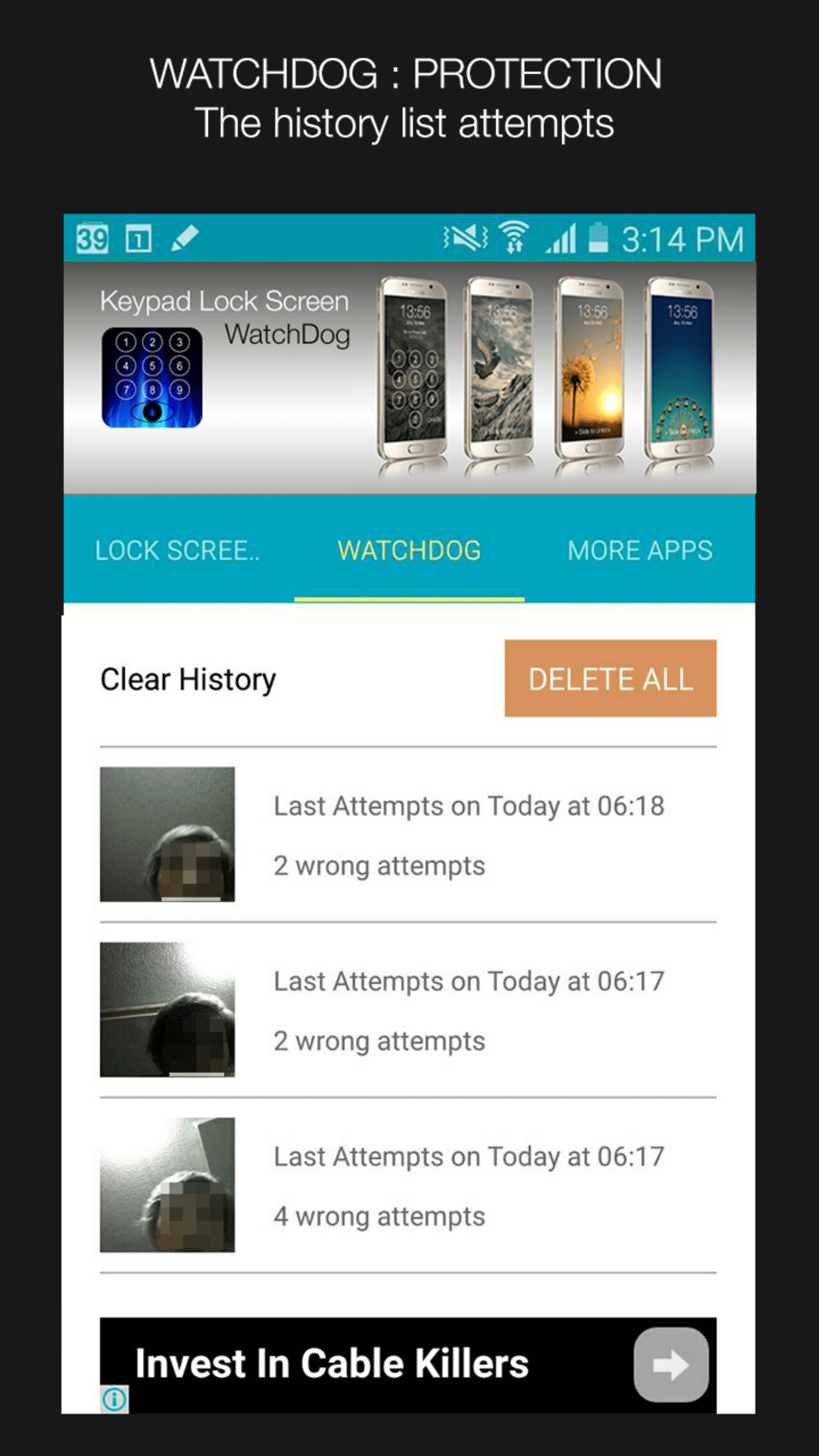
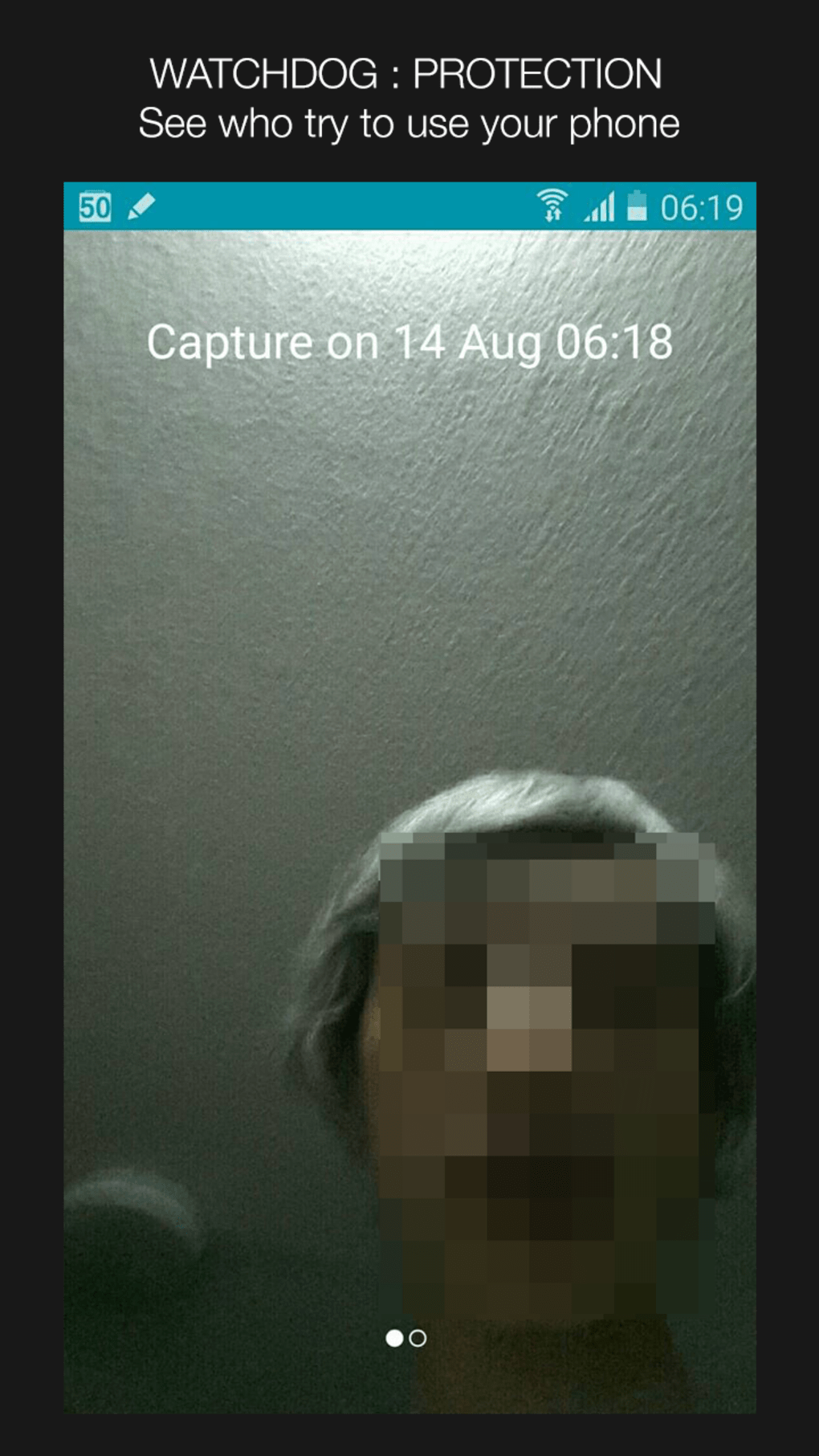
- Watchdog Surveillance Feature – Monitors unauthorized access attempts and may trigger a hidden action, such as capturing a photo via the front camera.
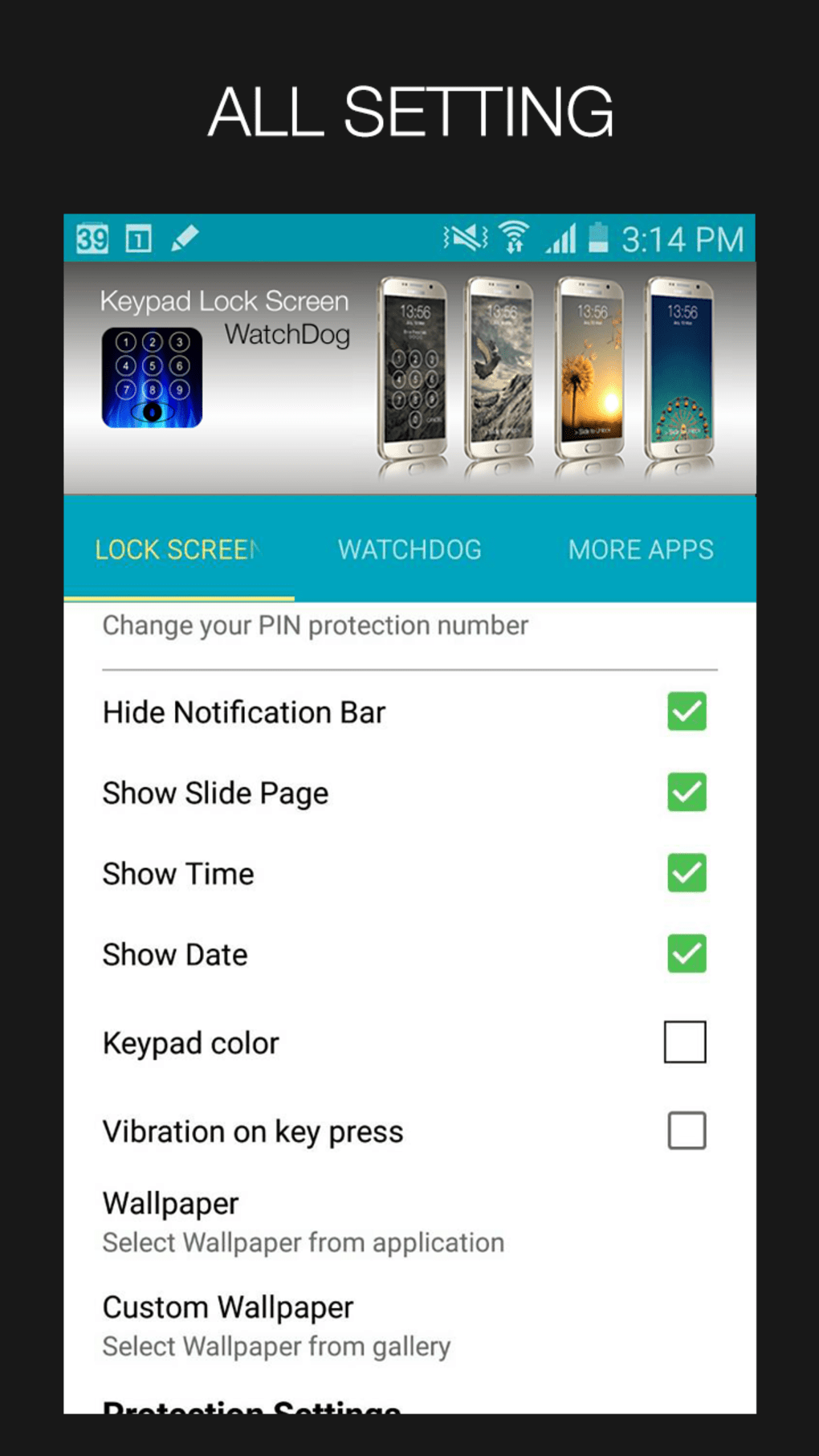
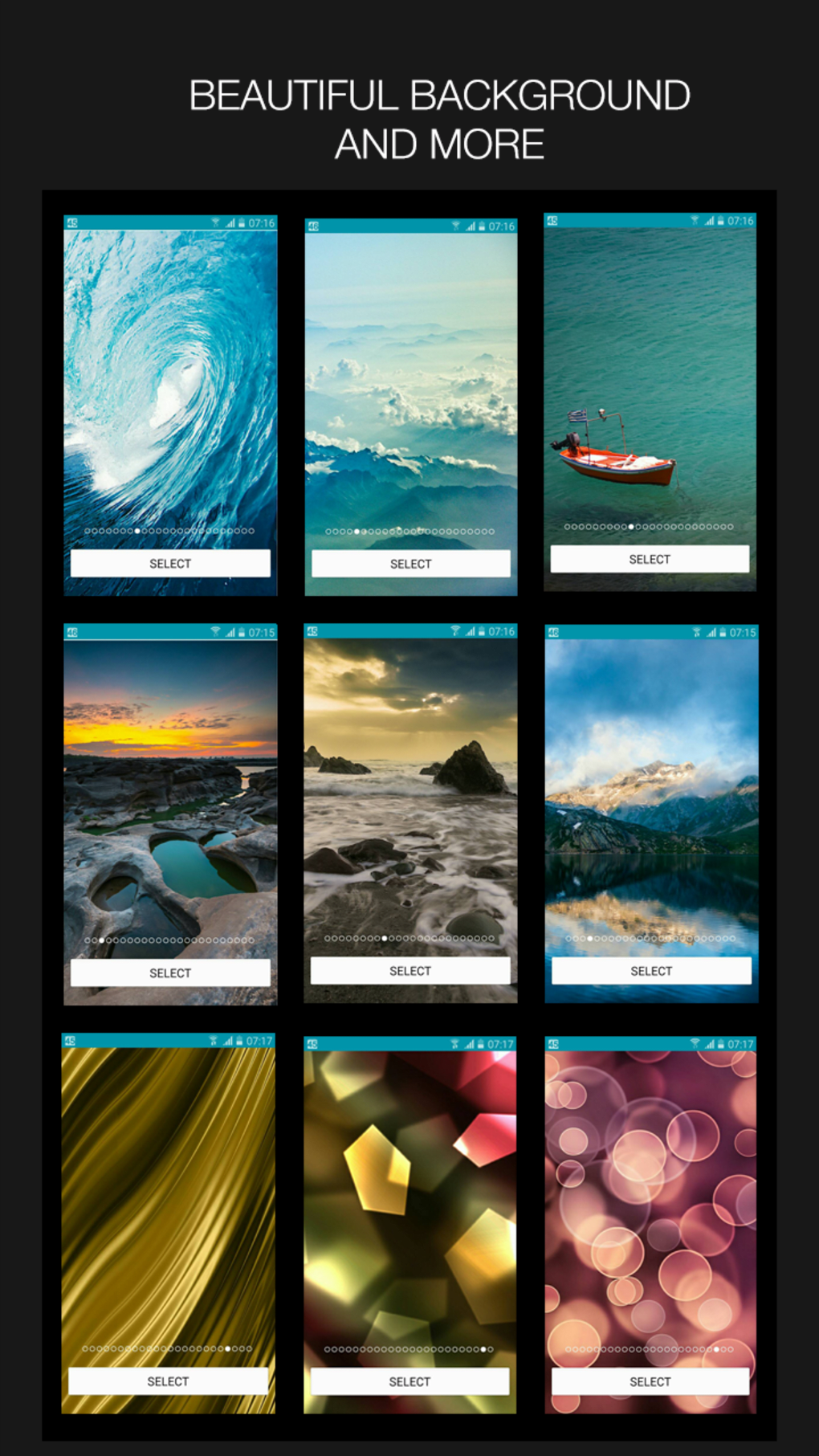
- Mobile Customization Tools – Allows users to personalize their lock screen appearance, aligning with broader themes and aesthetic preferences.
- Free and Accessible – Available at no cost, making it an attractive option for users seeking basic security and design enhancements.
These features enable users to maintain a secure lock screen while enjoying a modern, visually pleasing interface. The keypad-based system simplifies access for users who prefer numeric codes over patterns or biometrics. The watchdog functionality, while not fully detailed, suggests a passive monitoring mechanism that may help deter or document unauthorized use. The app’s customization options allow users to tailor the lock screen to their personal style, enhancing user engagement and device ownership.
User Interface, Workflow & Performance
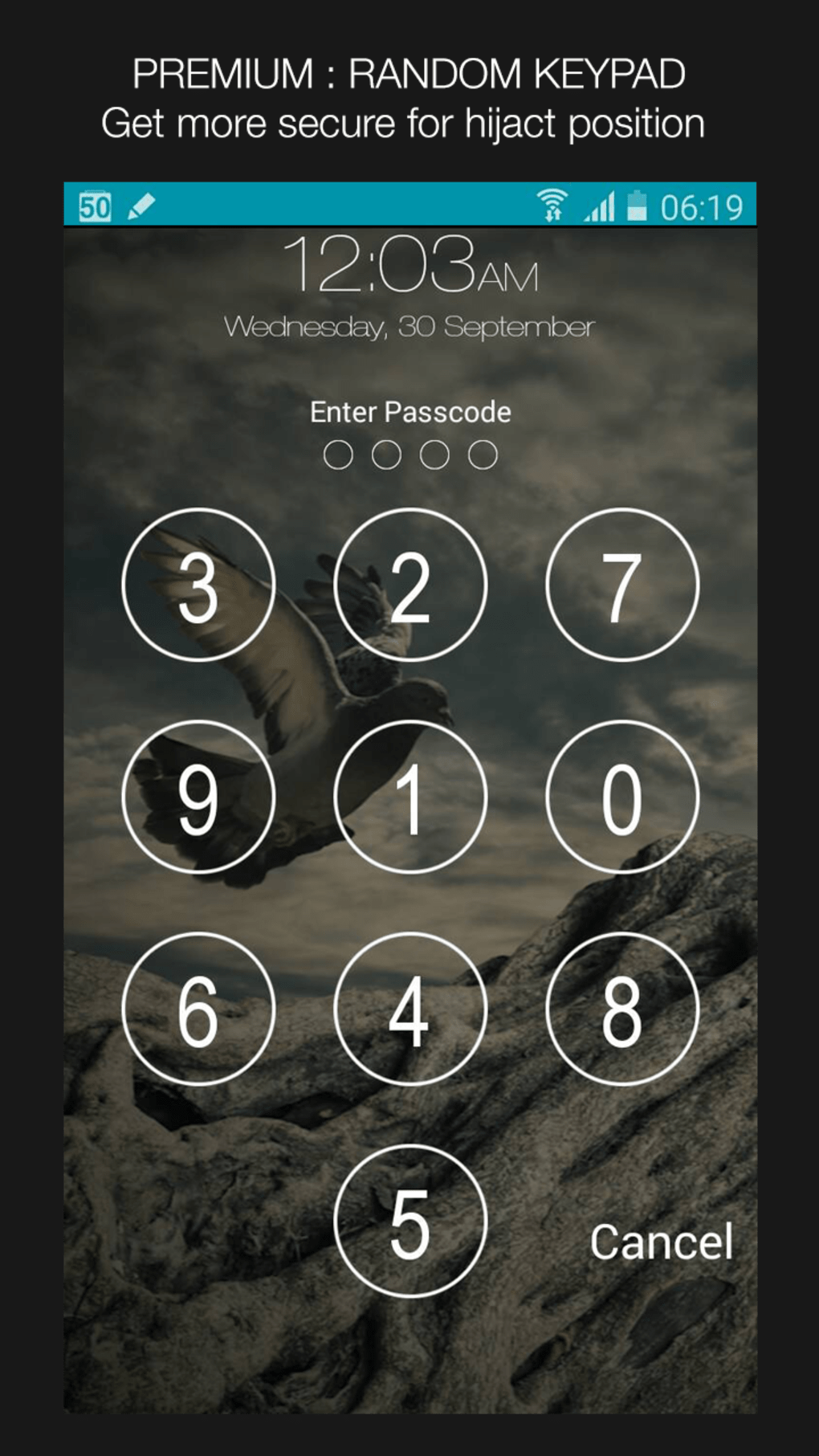
The user interface of Keypad Lock Screen WatchDog is designed around a clean, grid-based keypad layout, mirroring the look and feel of iOS devices. Navigation is straightforward, with minimal on-screen elements to reduce clutter and improve focus during the unlock process. The workflow begins with setting up the numeric code, followed by enabling the app as the default lock screen handler.
Once configured, users interact with the app by entering their code to unlock the device. The app integrates directly into the Android lock screen system, meaning it replaces the default lock screen interface. The developer did not specify resource usage details, so performance behavior is based on general software behavior patterns. No reports of lag, crashes, or high battery consumption have been documented in available sources.
Stability appears to be consistent, given the app’s long-standing presence in the Android ecosystem. However, since the app has not been updated since 2015, compatibility with newer Android versions may be limited. Users should expect standard performance levels typical of lightweight Android applications, with minimal impact on system resources under normal use.
Compatibility & System Requirements
Keypad Lock Screen WatchDog is compatible with Android 4.0 and later versions, making it accessible to a wide range of devices launched over the past decade. The app is designed for smartphones and tablets running the Android operating system. The installation size depends on the device, indicating that the app may adjust its resource footprint based on the target hardware.
Exact system requirements were not listed, and the developer did not provide detailed information about CPU, RAM, or storage needs. As such, users should rely on general Android compatibility guidelines. The app is available exclusively in English, which may limit accessibility for non-English speakers. The version number is 1.4, with the last update released on September 24, 2015, suggesting that the app is no longer actively maintained.
Pros and Cons
Pros
- Free to download and use with no in-app purchases
- Offers a modern, iOS-inspired lock screen design
- Provides basic security through numeric keypad authentication
- Includes a unique watchdog feature for monitoring unauthorized access
- Minimal system resource usage expected
Cons
- Not updated since 2015, raising compatibility concerns with modern Android versions
- Limited customization options beyond the lock screen design
- Exact functionality of the spy camera feature is unclear
- No official support or developer updates available
- Available only in English, limiting global accessibility
FAQ Section
Is Keypad Lock Screen WatchDog safe to install?
The app is considered safe to download and install based on available information. It has been published by a known developer and has been in use since 2015 without reported widespread security incidents.
Can I use this app on Android 10 or later?
While the app is compatible with Android 4.0 and later, its last update was in 2015. Users may encounter compatibility issues on Android 10 or newer systems due to changes in the operating system’s security and interface architecture.
Does the app require internet access?
There is no indication that the app requires constant internet access. It functions primarily as a local lock screen tool, suggesting it operates offline.
What is the spy camera feature?
The app includes a watchdog feature that may capture a photo when an incorrect code is entered. However, the exact mechanism and activation conditions are not fully detailed by the developer.
Is the app free to use?
Yes, Keypad Lock Screen WatchDog is completely free to download and use, with no hidden fees or subscription models.
Final Thoughts + CTA
Keypad Lock Screen WatchDog presents a nostalgic blend of design and function, offering a sleek, iOS-inspired lock screen with basic security features. While its core concept remains relevant—providing a secure and visually appealing lock interface—the app’s lack of updates since 2015 raises significant concerns about long-term reliability and compatibility with modern Android devices. The inclusion of a watchdog feature adds intrigue, though its exact behavior remains ambiguous.
For users with older Android devices running Android 4.0–7.0, this app may still serve as a lightweight, free solution for enhancing lock screen security and appearance. However, those with newer devices should proceed with caution due to potential system incompatibilities. The app’s free status and simple interface make it accessible, but its outdated nature limits its practicality in today’s mobile environment.
Download Keypad Lock Screen WatchDog now if you’re seeking a retro-style, free lock screen app for an older Android device. For modern users, consider exploring updated alternatives with active support and current security standards.
Guides & Tutorials for Keypad Lock Screen WatchDog APK
How to install Keypad Lock Screen WatchDog APK
- Click the Preview / Download button above.
- Once redirected, accept the terms and click Install.
- Wait for the Keypad Lock Screen WatchDog APK download to finish on your device.
How to use Keypad Lock Screen WatchDog APK
This software is primarily used for its core features described above. Open the app after installation to explore its capabilities.
User Reviews for Keypad Lock Screen WatchDog APK 0
No reviews found





